A Blanky WordPress Child Theme
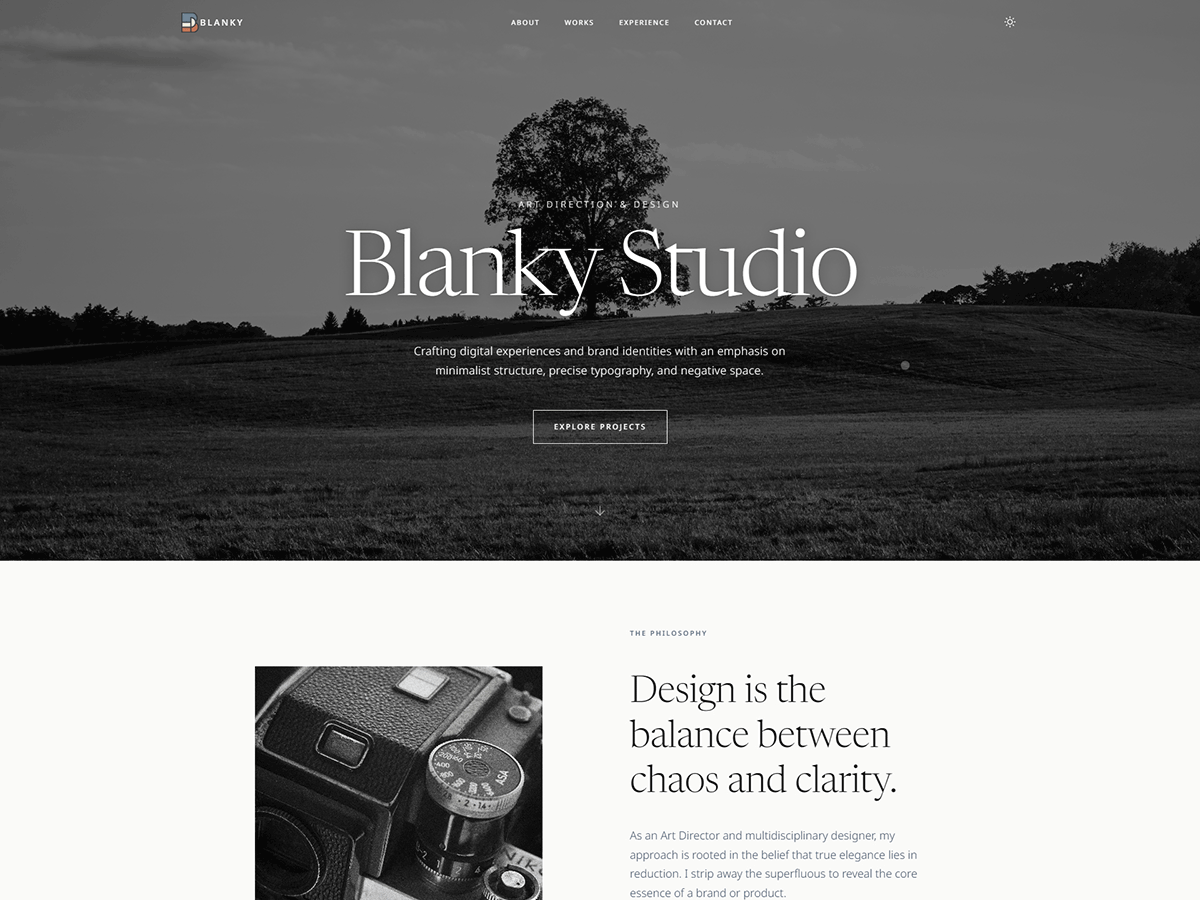
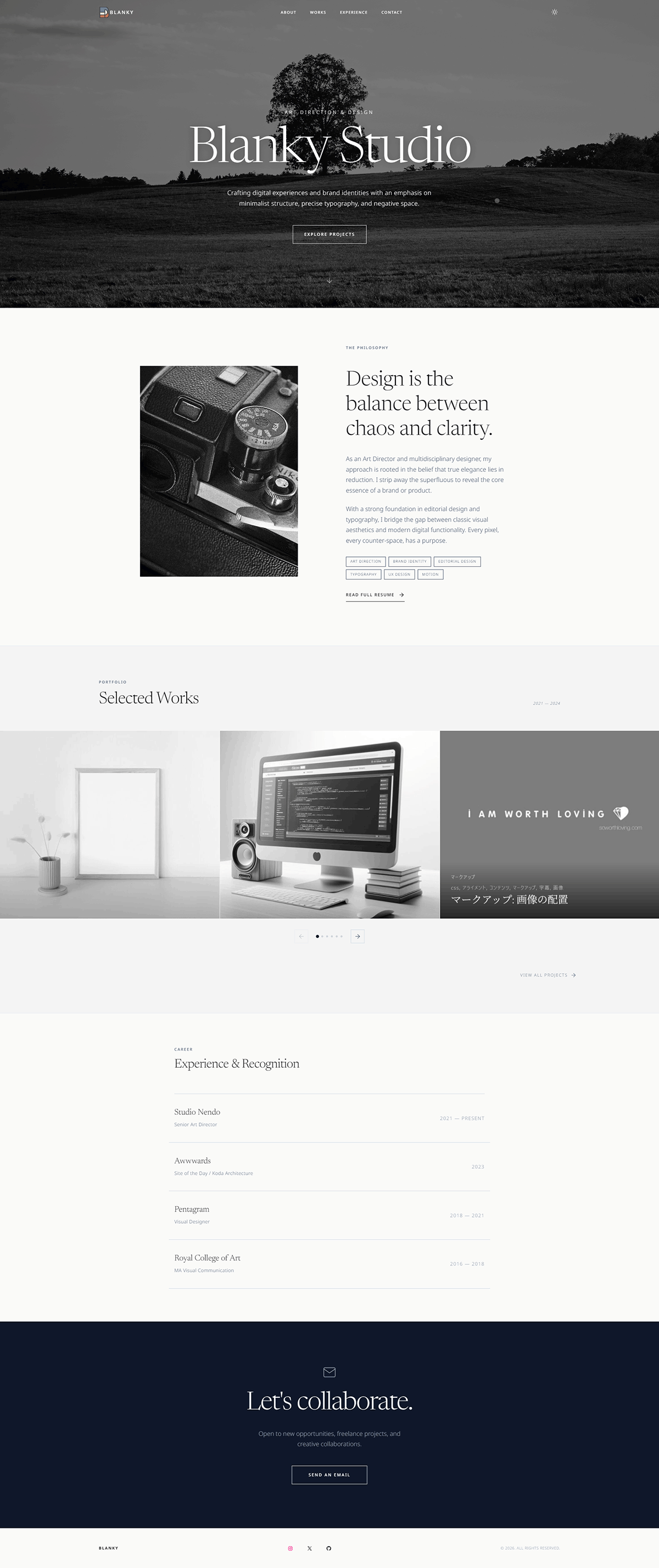
Transform the Blanky WordPress theme into a quiet but bold portfolio for designers & photographers. Monochrome aesthetics, whitespace, and contrast — creating immediate impact with zero noise.
Before & After
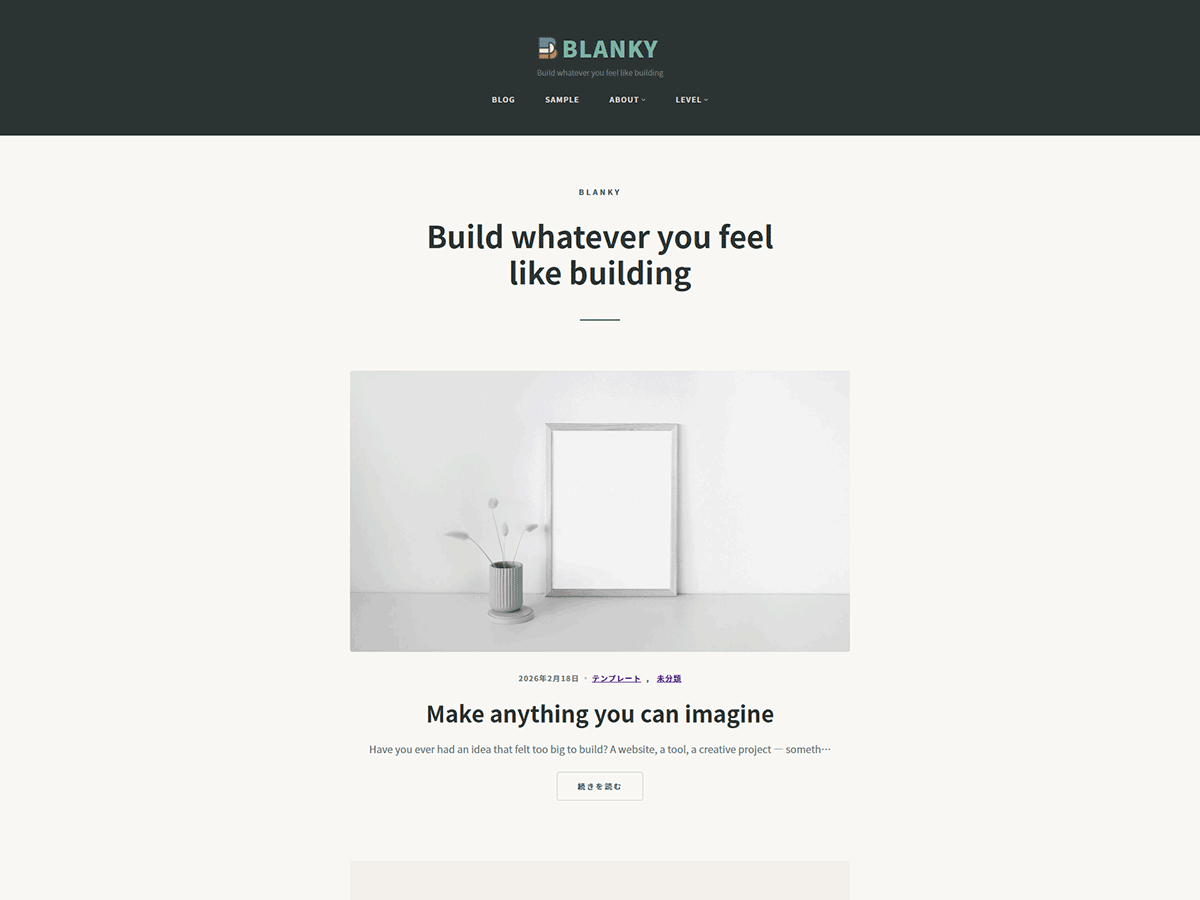
Blanky Studio replaces Blanky's default design with a refined portfolio aesthetic. Same content, entirely new character — designed for creative professionals.
Standard WordPress Theme
Refined portfolio aesthetic
Features
Fixed header with dark/light mode toggle. Transparent on scroll, solid on scroll — clean and unobtrusive.
Large background image with gradient overlay, italic serif title, and call-to-action button. Sets the tone immediately.
Horizontal-scrolling portfolio carousel. Showcase your projects with smooth drag or arrow navigation.
Media + text layout with skill tags, and a timeline-style work history section. Tell your story clearly.
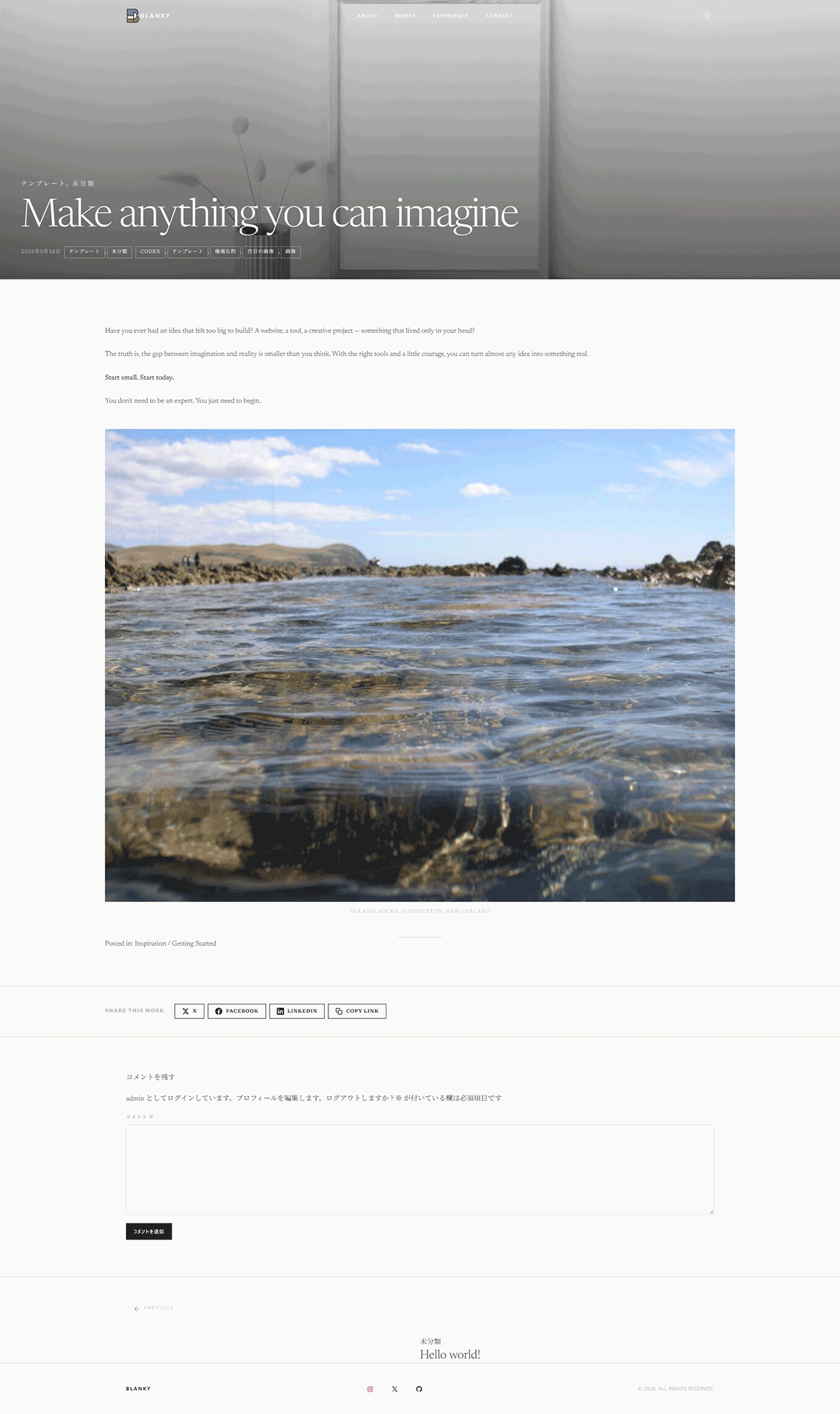
Full-width featured image hero, client / year / scope meta fields, share buttons, and prev/next navigation with background images.
Grid archive with taxonomy-based category filter bar, CSS counter numbering, and pagination. SEO-friendly by default.
Design
Monochrome tones, refined typography, and thoughtful spacing — designed to let your work take center stage.
Design Tokens
Seven monochrome tones — from pure black to warm off-white. Every shade has a purpose, nothing is arbitrary.
Installation
Make sure the Blanky theme is installed on your WordPress site. It doesn't need to be active — just installed.
Go to Appearance → Themes → Add New, upload the blanky-studio.zip file, and install it.
Click Activate. Set a static front page in Settings → Reading, and the Studio design is live.
Pricing
One-time purchase · No subscription · GPL v3
* Requires Blanky theme to be installed as the parent theme.
FAQ
No. Blanky Studio is a child theme built specifically on Blanky's class names and CSS custom properties. Blanky must be installed as the parent theme, though it doesn't need to be active.
Your posts, pages, and media are completely untouched. Blanky Studio only changes the visual design — templates, patterns, CSS, and color tokens.
Yes. Go to Settings → Reading, set "Your homepage displays" to "A static page", and assign a page as the Homepage and one as the Posts page. This ensures the front page template displays correctly.
Yes. Colors are defined in theme.json and can be overridden from Appearance → Editor → Styles. Fonts (Newsreader + Noto Sans) can also be changed from the Site Editor. No code needed.
Updates are delivered directly through your WordPress admin dashboard — the same way you update any theme. You'll see a notification when a new version is available.
Yes. Blanky Studio is licensed under GPL v3, which explicitly allows commercial use. You can use it for client work, commercial portfolios, or any paid project.