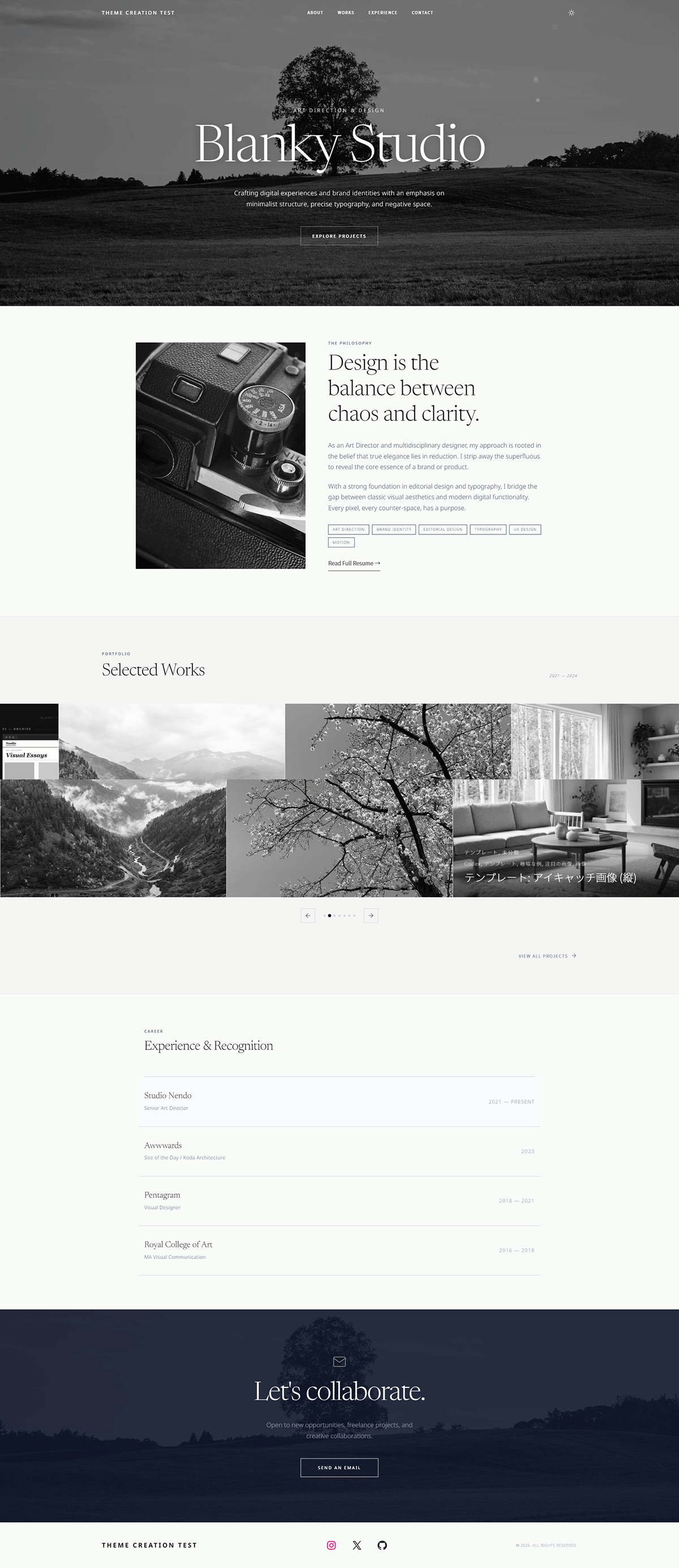
Why Blanky Studio
No plugins.
No dependencies.
Just activate.
Blanky Studio is a fully independent WordPress block theme. Nothing else required — upload, activate, and your portfolio is live.
Standalone Theme
Blanky Studio installs and runs completely on its own — ready the moment you activate it.
Full Site Editing
Built entirely on the WordPress block editor. Edit every part of your site visually — header, footer, templates — with zero code.
Self-hosted Fonts
Newsreader and Noto Sans are bundled directly in the theme. No external CDN requests, no GDPR headaches, faster load times.
Features
Everything you need,
nothing you don't.
Studio Header
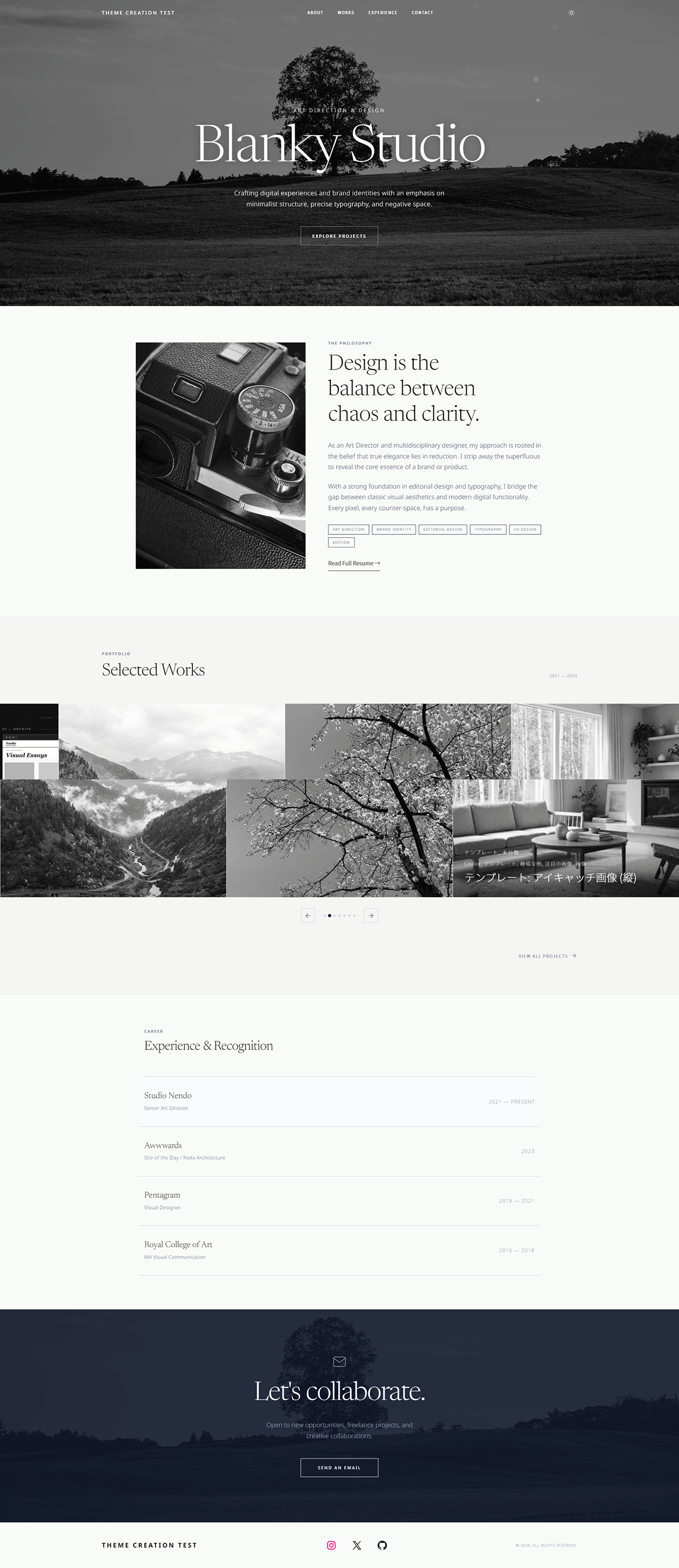
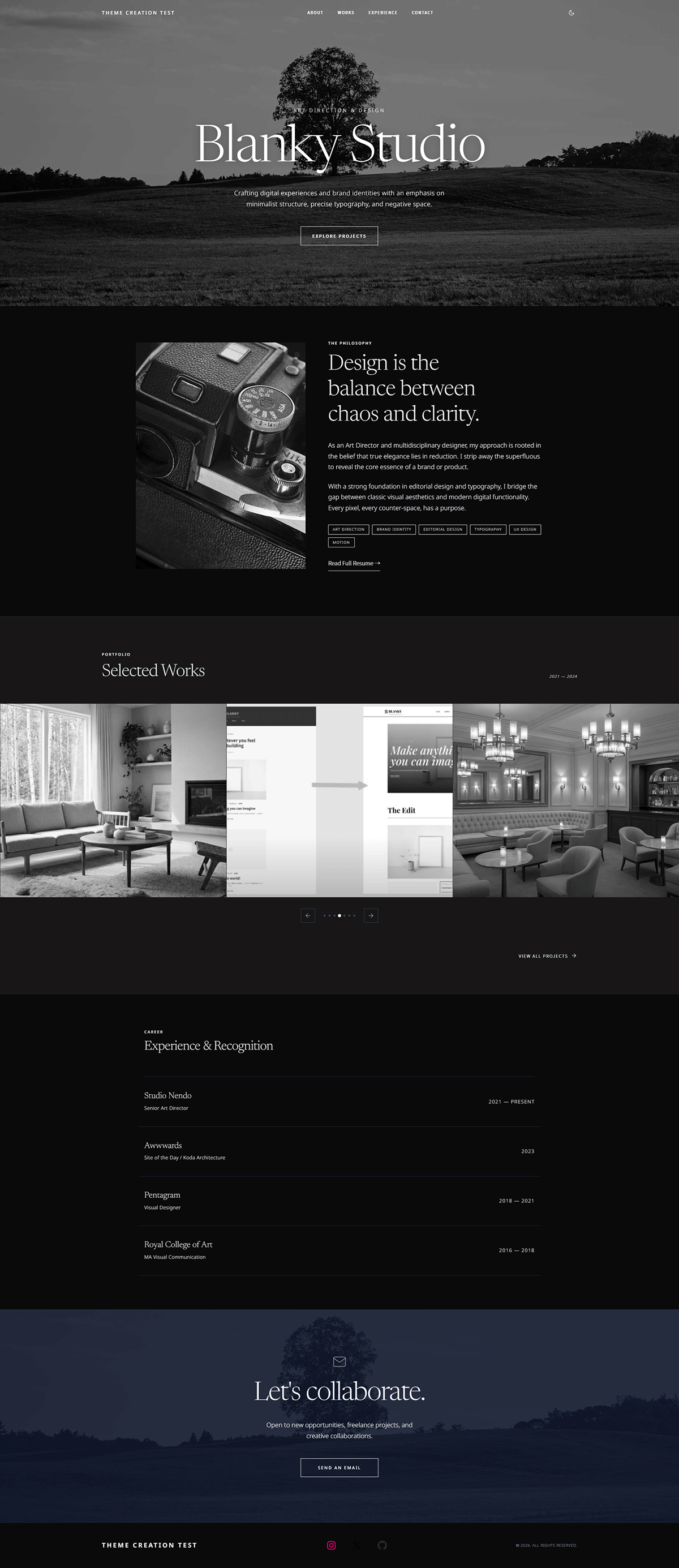
Fixed header with dark/light mode toggle. Clean site title, navigation, and a mode toggle that saves the user's preference in localStorage — all out of the box.
Full-screen Hero
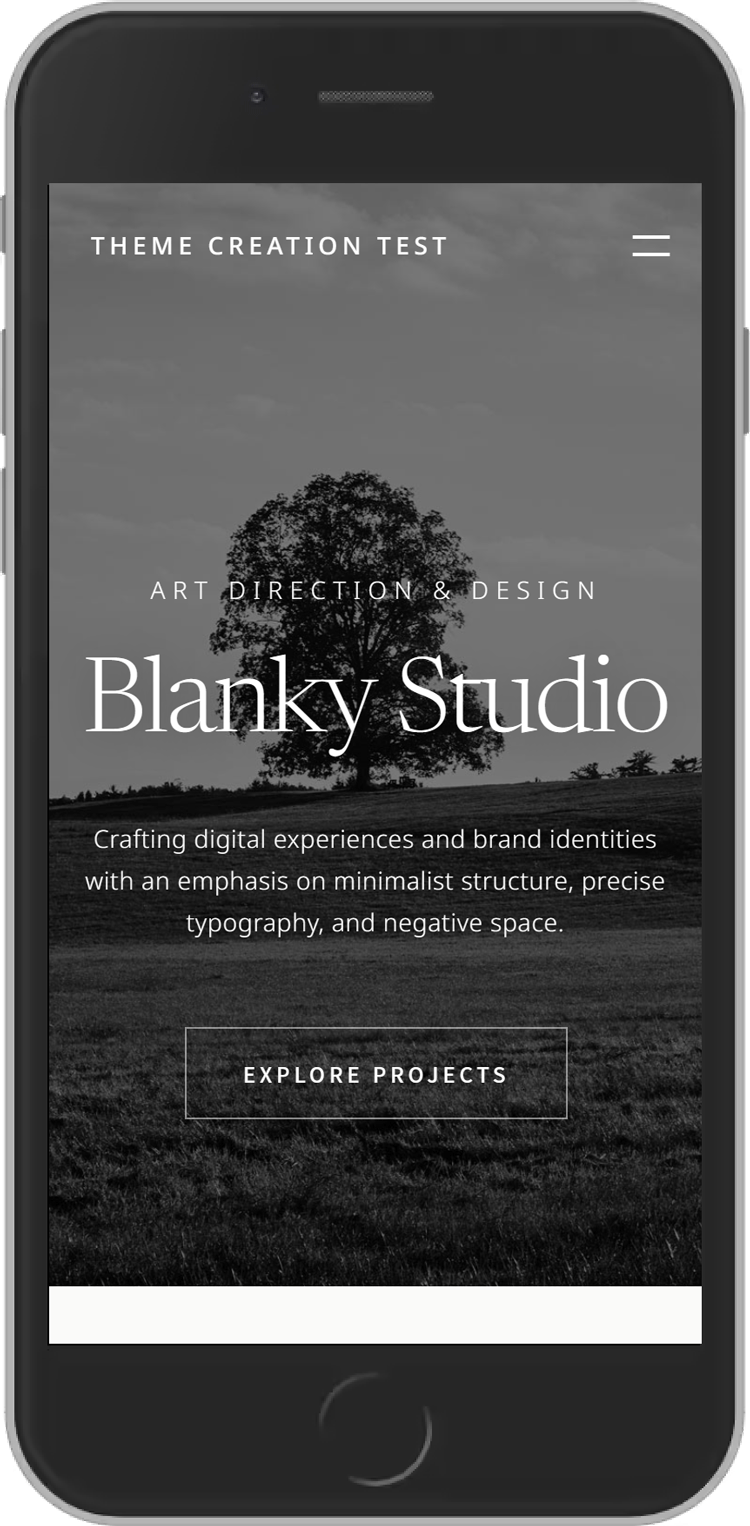
Large background image with gradient overlay, italic serif title, and call-to-action button. Sets the tone the instant the page loads. Mouse-follow particle animation included.
Works Carousel
Horizontal-scrolling portfolio carousel. Showcase your projects with smooth drag or arrow navigation. No JavaScript framework — pure, lightweight, and fast.
About & Experience
Media + text layout with skill tags, and a timeline-style work history section. Introduce yourself, show your background, and let your story build trust.
Single Posts
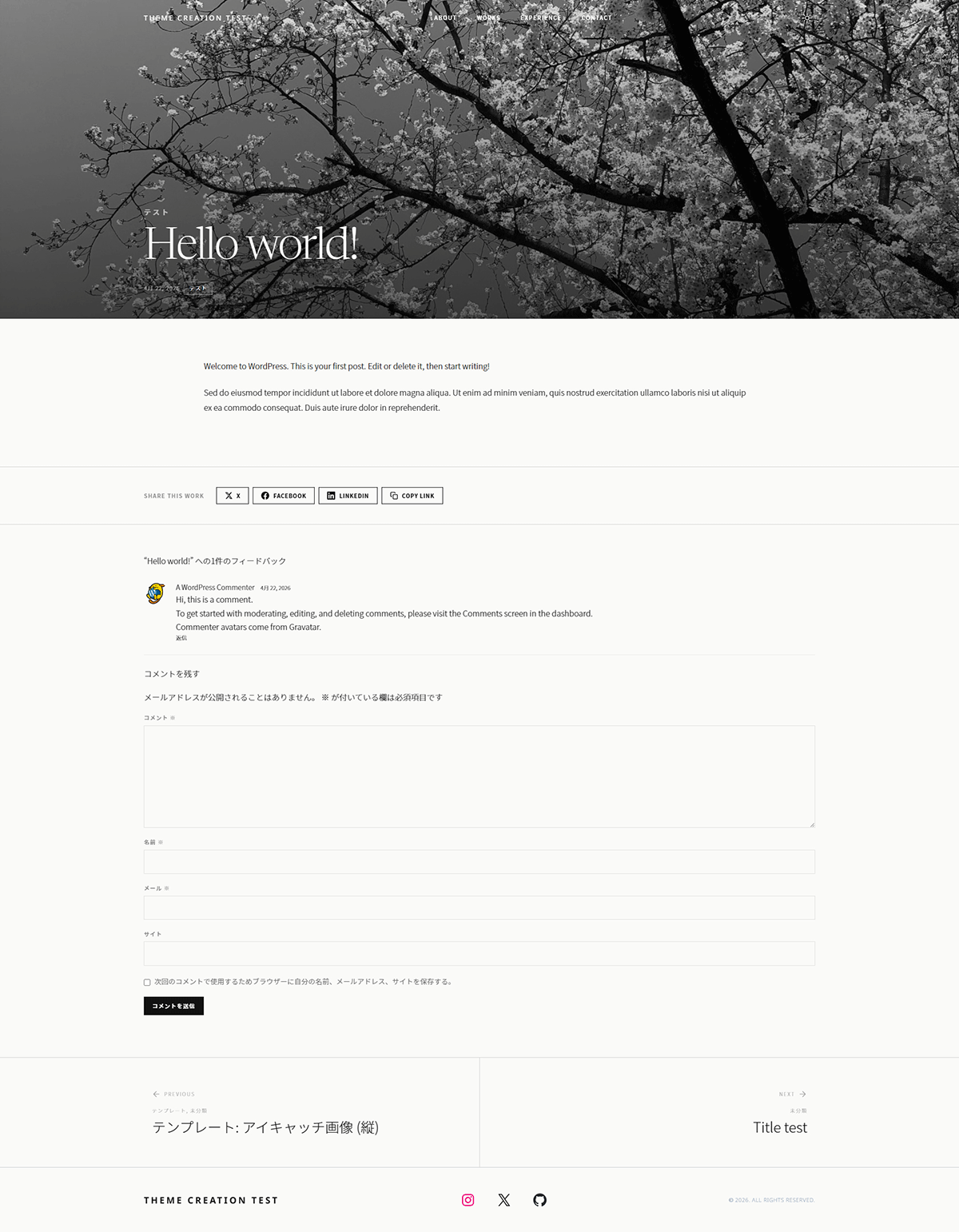
Full-width featured image hero, client / year / scope meta fields, share buttons, and prev/next navigation with background images. Each project page is a showcase in itself.
Archive + Filter
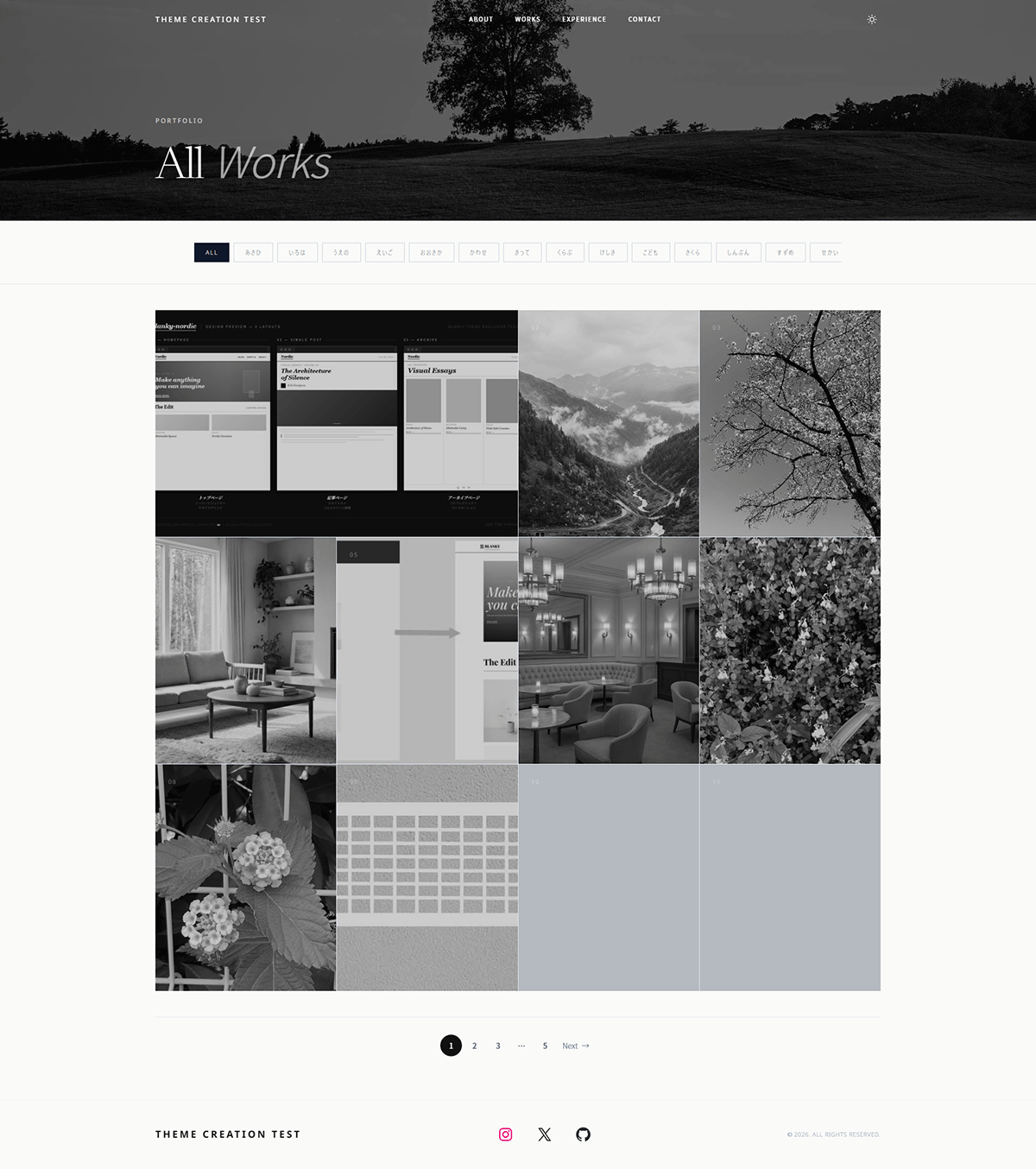
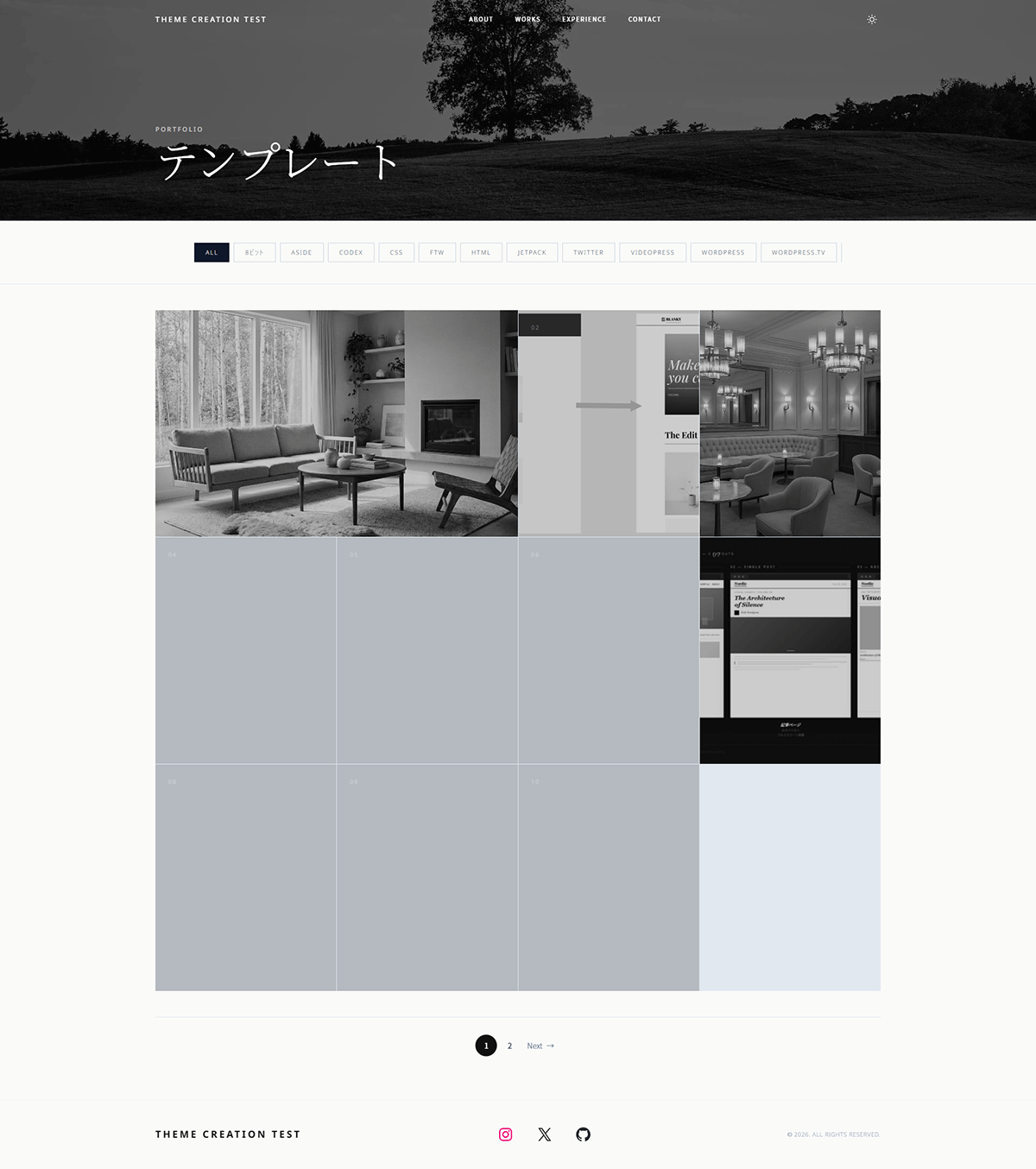
Grid archive with taxonomy-based category filter bar, CSS counter numbering, and pagination. Works automatically across categories, tags, and date archives — SEO-friendly by default.
Design
Every detail,
considered.
Monochrome tones, refined typography, and deliberate spacing — every element is designed to step back and let your work take center stage.
Dark Mode
Light. Dark.
Always right.
A single toggle in the header switches between light and dark palettes. The choice is saved per visitor — no flash, no flicker, no extra plugin needed.
Design Tokens
The palette.
Five monochrome tones — from pure black to warm off-white. Every shade has a purpose, defined in theme.json and fully adjustable from the Site Editor with no code required.
Installation
Three steps.
That's all.
Upload the Theme
Go to Appearance → Themes → Add New → Upload Theme, choose the
blanky-studio.zip file, and click Install Now. No parent theme
required.
Activate
Click Activate. The Studio design is applied immediately across your entire site — templates, patterns, fonts, and colors all at once.
Configure Reading Settings
Go to Settings → Reading, set your homepage to a static page, and assign a Posts page. This ensures the front page and archive display correctly.
List price
One price.
Own it forever.
One-time purchase · No subscription · GPL v3 · Occasional sales
- Blanky Studio standalone theme (v1.7)
- All templates & block patterns included
- Self-hosted fonts — no external CDN
- Dark mode toggle built-in
- Lifetime updates via WordPress admin
- Commercial use allowed (GPL v3)
Requires WordPress 6.7 or later · PHP 7.4+
FAQ
Questions.
Will my content be affected when I activate it?
Your posts, pages, and media are completely untouched. Blanky Studio only changes the visual layer — templates, patterns, CSS, and color tokens. Your content stays exactly as it is.
Do I need to configure a static front page?
Yes. Go to Settings → Reading, change "Your homepage displays" to "A static page," and assign both a homepage and a posts page. Without this setting, the post archive template will not display correctly.
Can I customize the colors or fonts?
Yes. Colors are defined in theme.json and can be overridden from Appearance → Editor → Styles. Fonts (Newsreader + Noto Sans, both self-hosted) can also be changed from the Site Editor. No code needed for either.
How do updates work?
Updates are delivered directly through your WordPress admin dashboard — the same way you update
any theme. You'll see a notification when a new version is available. Before each update, Blanky
Studio automatically backs up your functions.php and theme.json so
your customizations are safe.
Can I use this for a commercial portfolio or client work?
Yes. Blanky Studio is licensed under GPL v3, which explicitly allows commercial use. You can use it for client projects, commercial portfolios, or any paid work without restrictions.
How can I customize without losing changes due to updates?
Please create a child theme of Blanky Studio. Child themes are not affected by Blanky Studio updates.