
Documentation
Blanky is the ultimate minimalist WordPress block theme built on the concept of "Build whatever you feel like building." Like a blank canvas, it provides a free space to shape your ideas. Fully compatible with Full Site Editing (FSE), you can customize everything from header to footer with the block editor.
Key Features
- check_circle Complete freedom
- check_circle Full Site Editing (FSE)
- check_circle Ultimate simple design
- check_circle Commercial use allowed (GPL v3)
Requirements
- check_circle WordPress 6.6+
- check_circle PHP 7.4+
- check_circle Modern browsers
How to Install
Log in to WordPress Dashboard
Access your WordPress admin panel and log in.
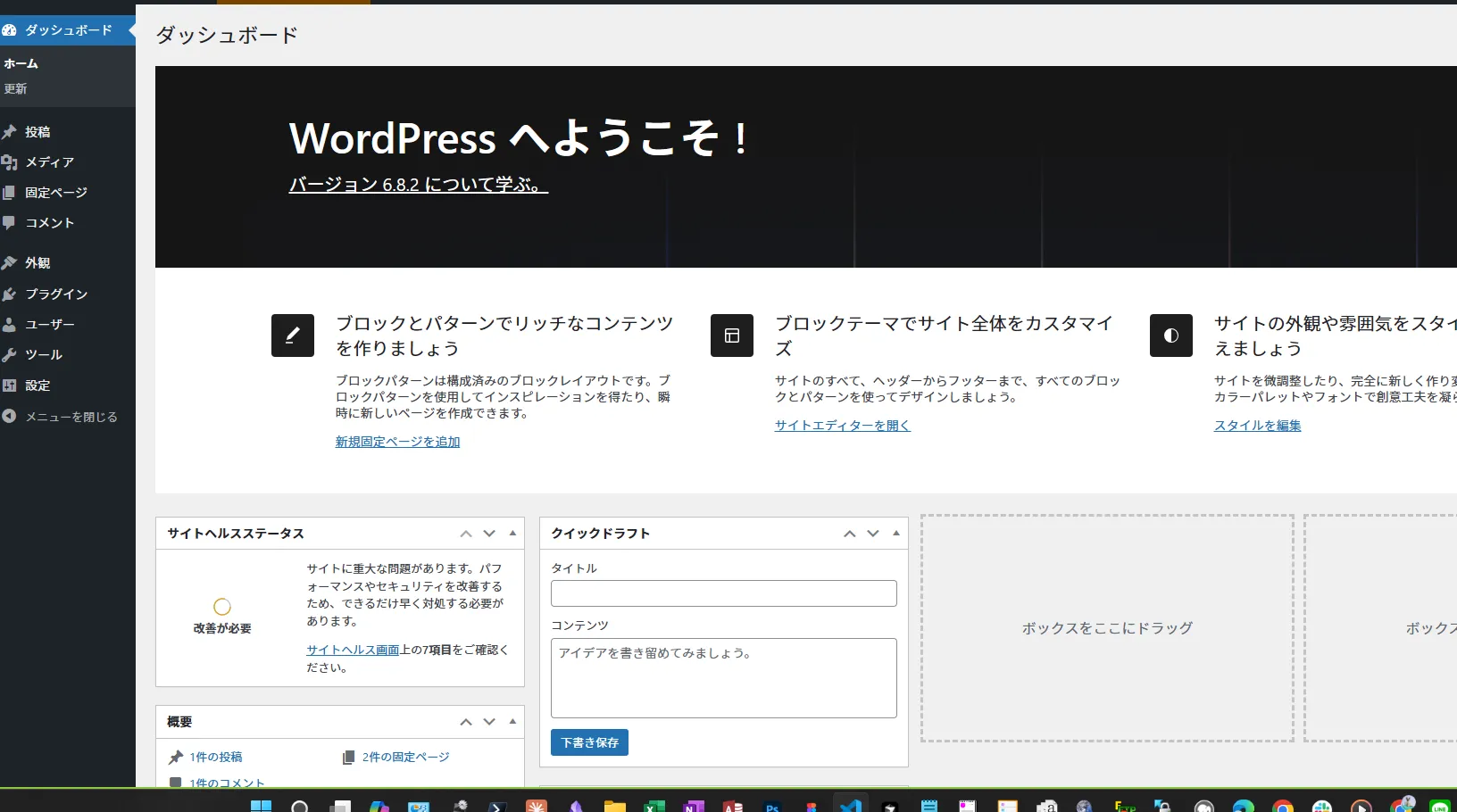
Navigate to Appearance → Themes → Add New
From the left menu, select "Appearance" → "Themes" and click the "Add New" button.
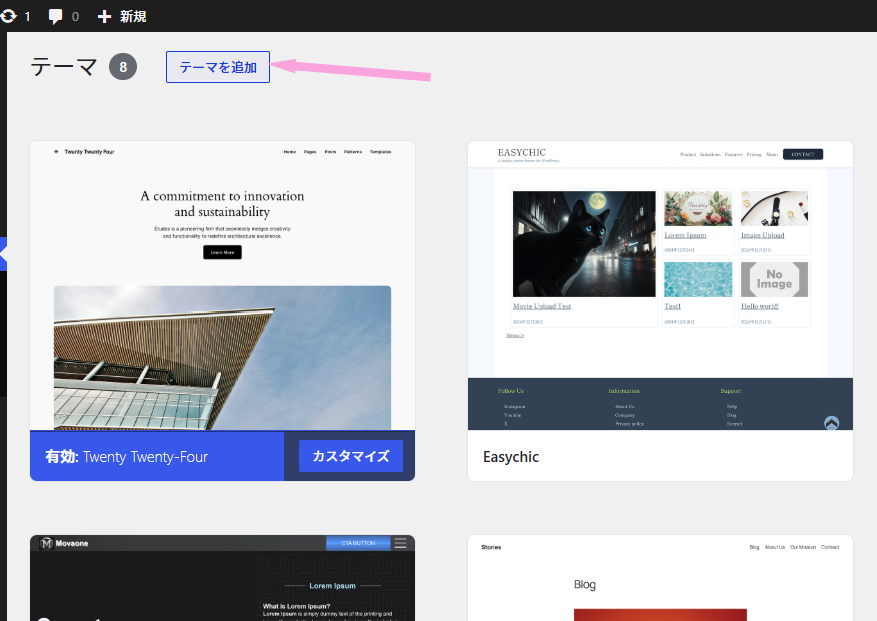
Search for "Blanky"
Type "Blanky" in the search field and press Enter.
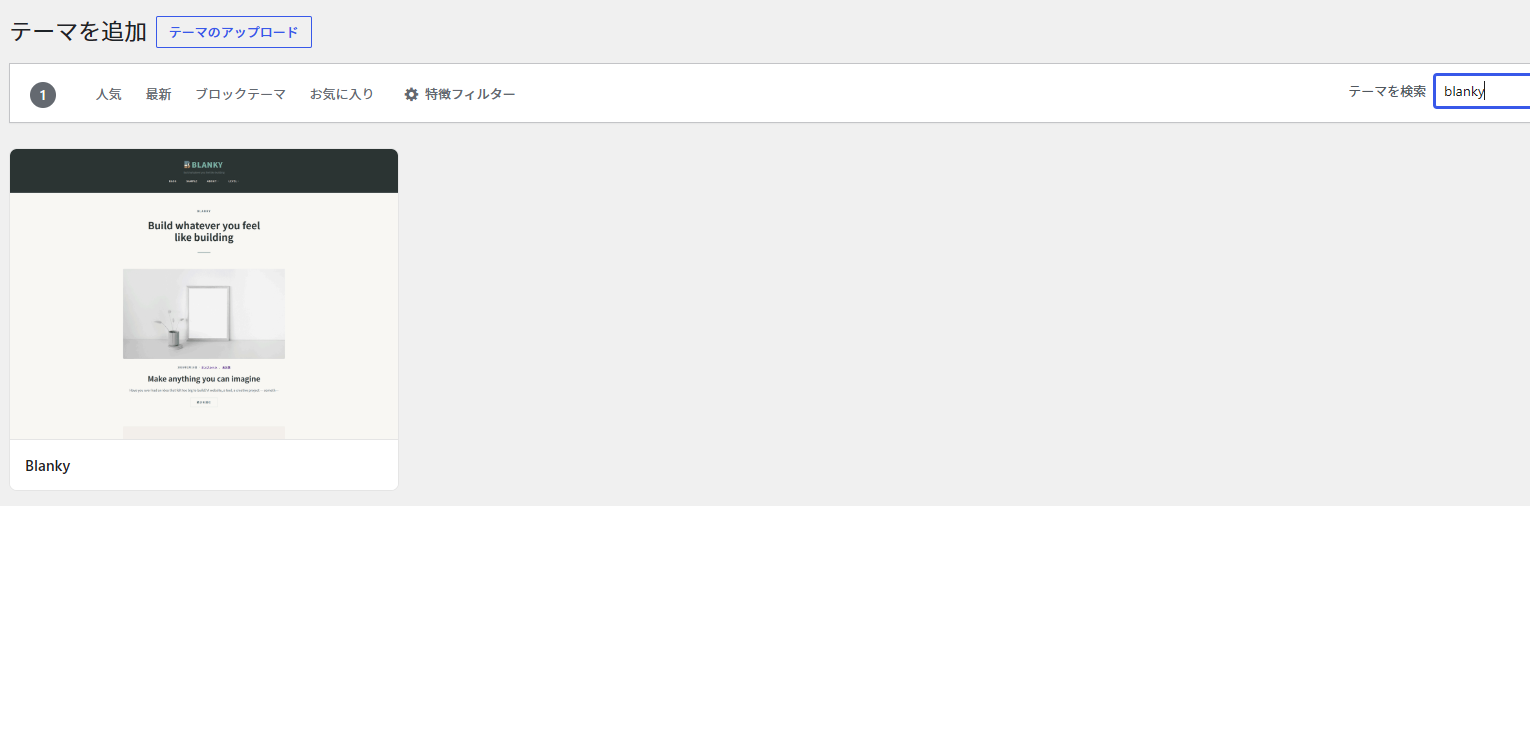
Click "Install"
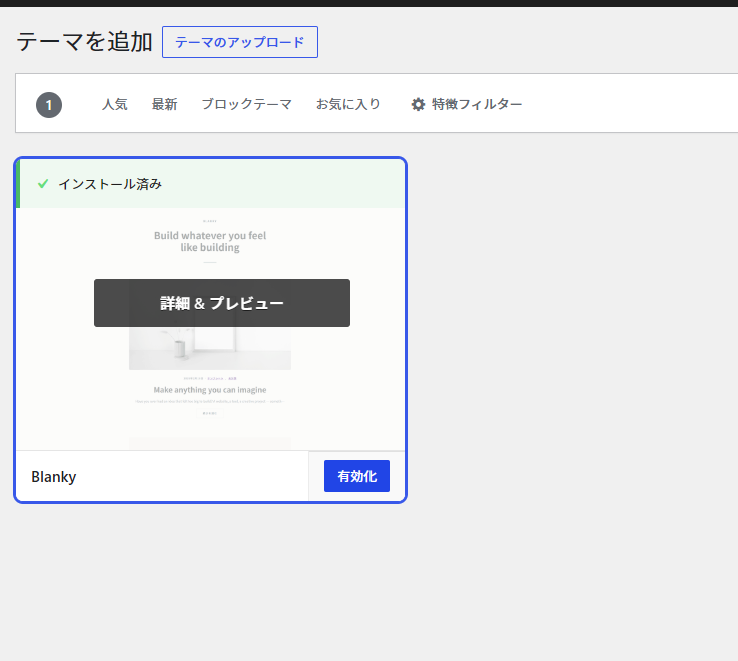
Click the "Install" button on the Blanky theme card and wait for it to complete.
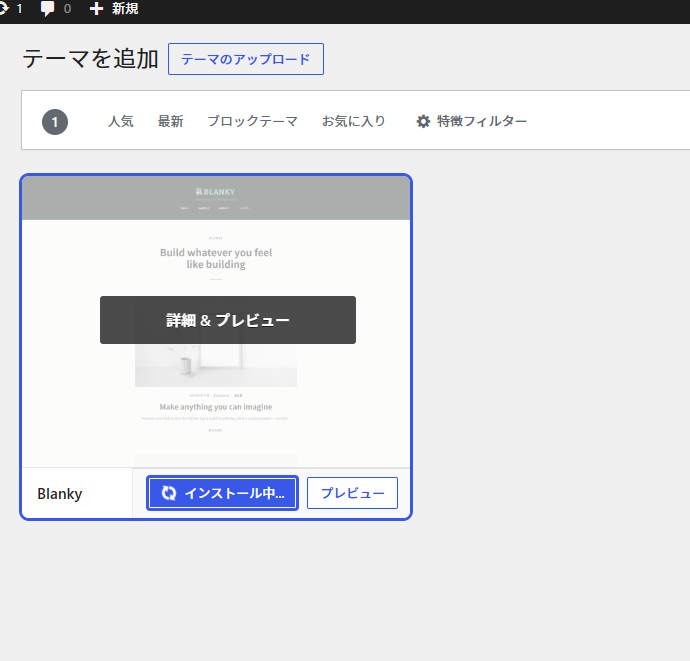
Click "Activate"
After installation, click "Activate" to apply the theme.
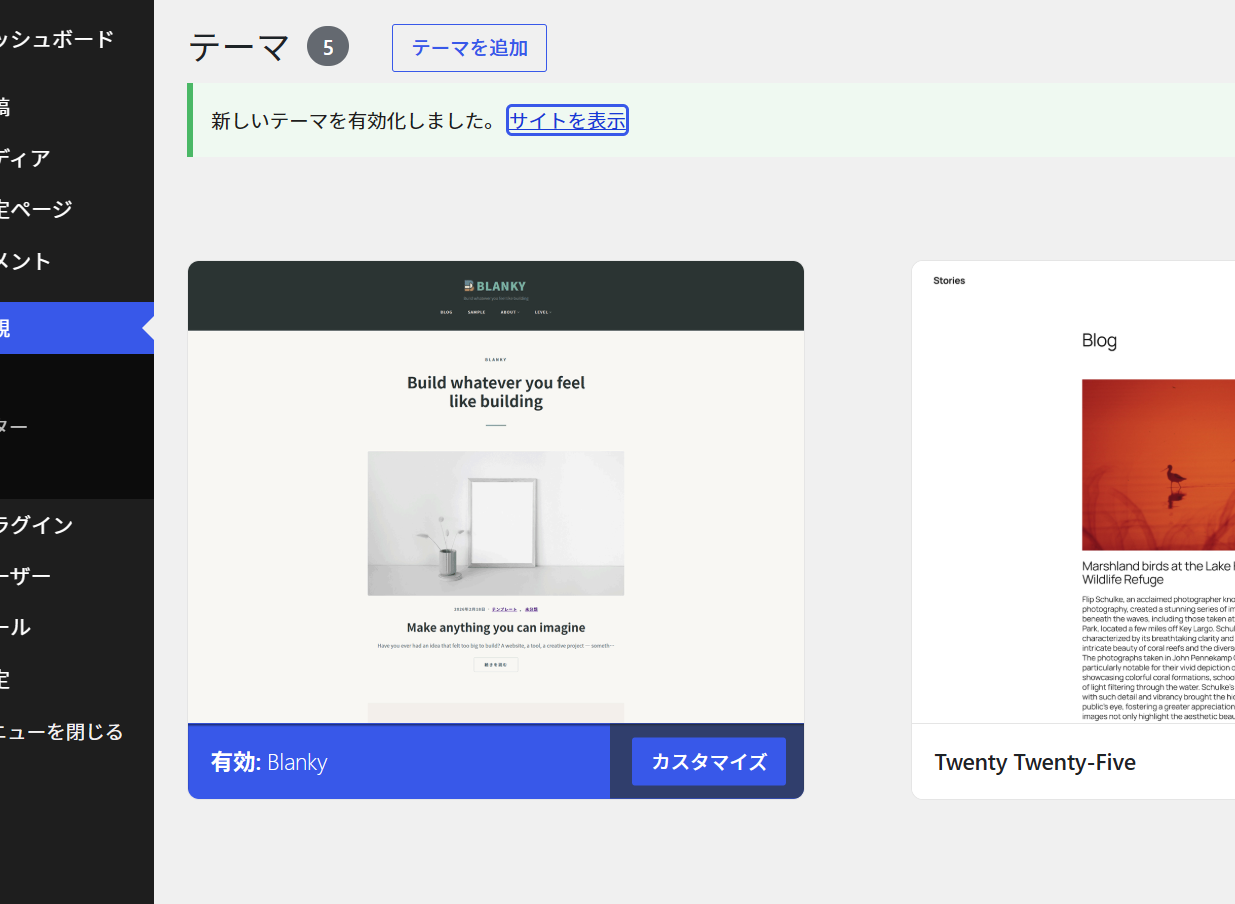
Activation Complete
You'll see "New theme activated." Click "Visit site" to verify.
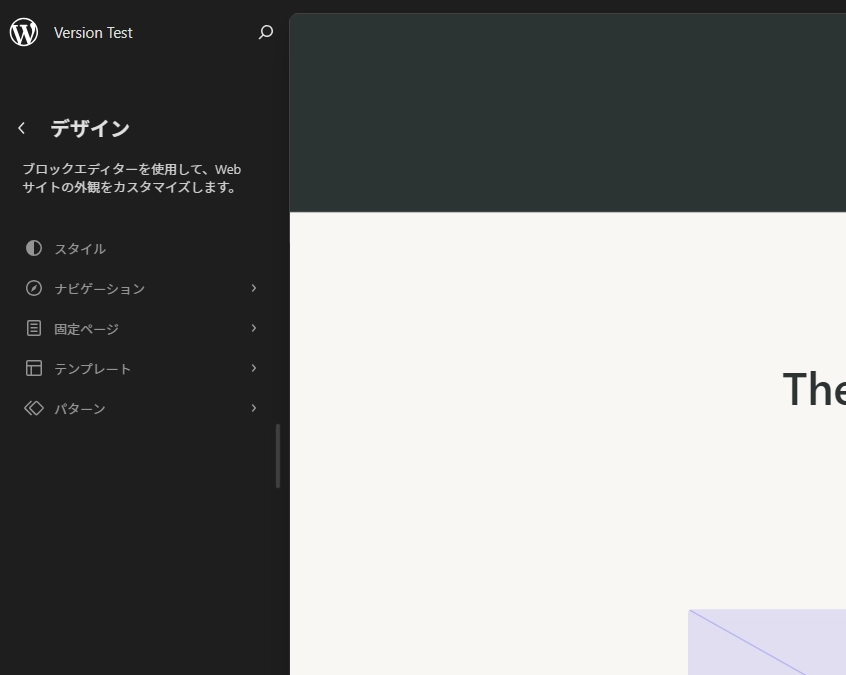
Open the Editor
Go to "Appearance" → "Editor" to start customizing your theme freely.
Blanky-nordic Plugin
Simply activate the plugin to instantly transform your site into a white × black monotone Nordic minimalist style. No code required.
Key Features
- check_circle One-click design change
- check_circle White × Black monotone
- check_circle Nordic minimalist style
- check_circle No coding required
Recommended For
- arrow_forward Lovers of simple, refined design
- arrow_forward Those wanting a Nordic-style site
- arrow_forward No-code design enthusiasts
- arrow_forward Seekers of timeless aesthetics
Before & After
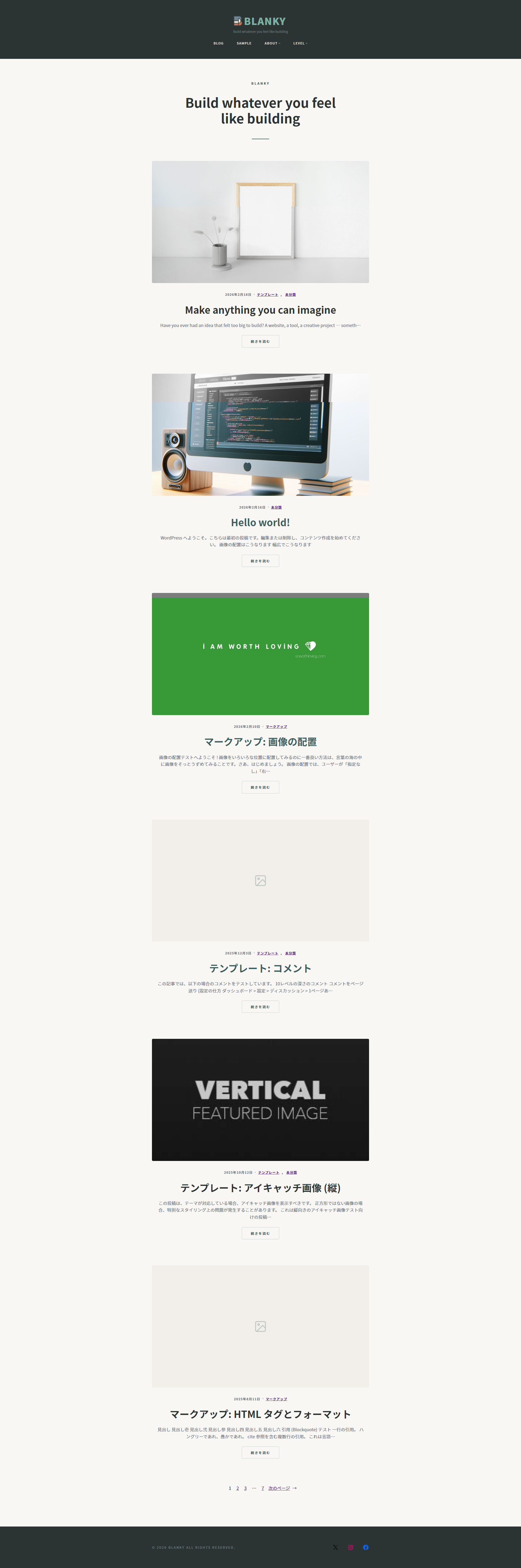
Blanky (Standard)
Simple and flexible design
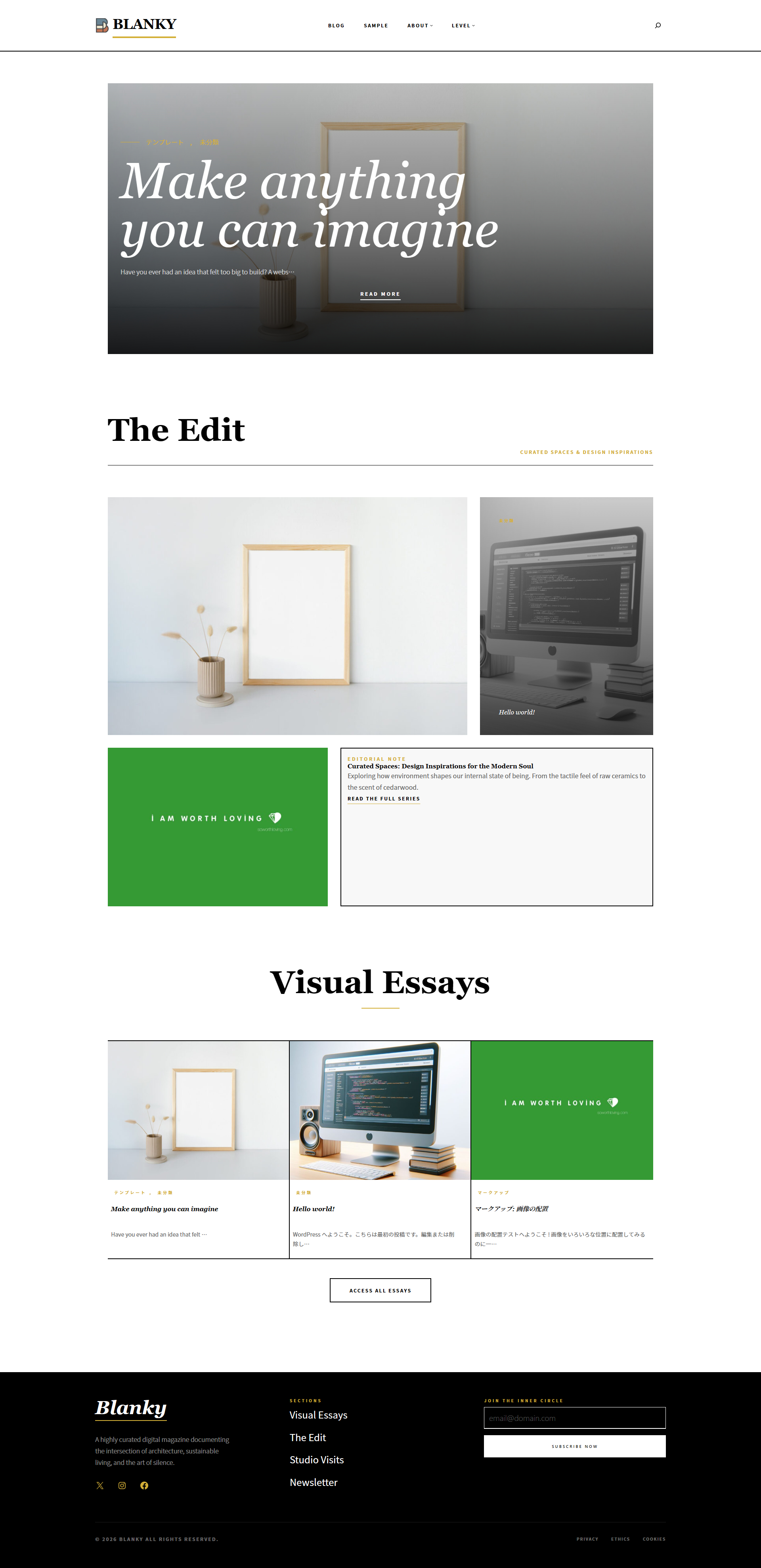
With Blanky-nordic
Refined Nordic minimalist style
3 Simple Steps
Purchase the plugin on Booth
Upload the plugin to WordPress
Activate the plugin and you're done
$9.99
One-time purchase · No additional fees
Purchase on Booth※ Exclusive plugin for the Blanky theme
Using the Theme Editor
Fonts · Layout · Logo · Background & Colors · Menus
Go to Appearance → Editor
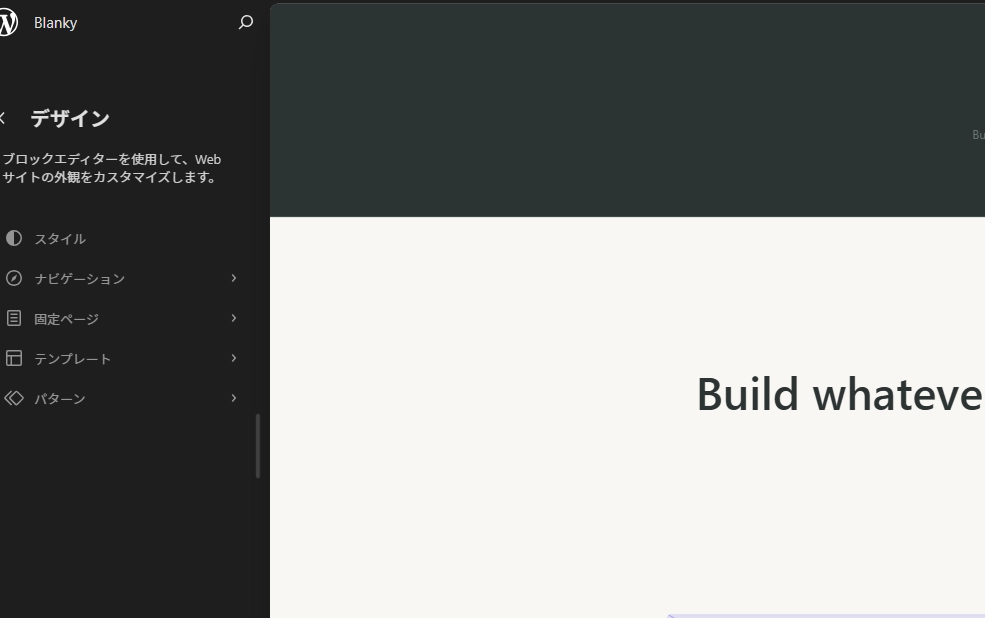
Click Design → Styles
Fonts, colors, backgrounds, and page layouts can all be configured in the Styles tab. Settings here apply to the entire theme.
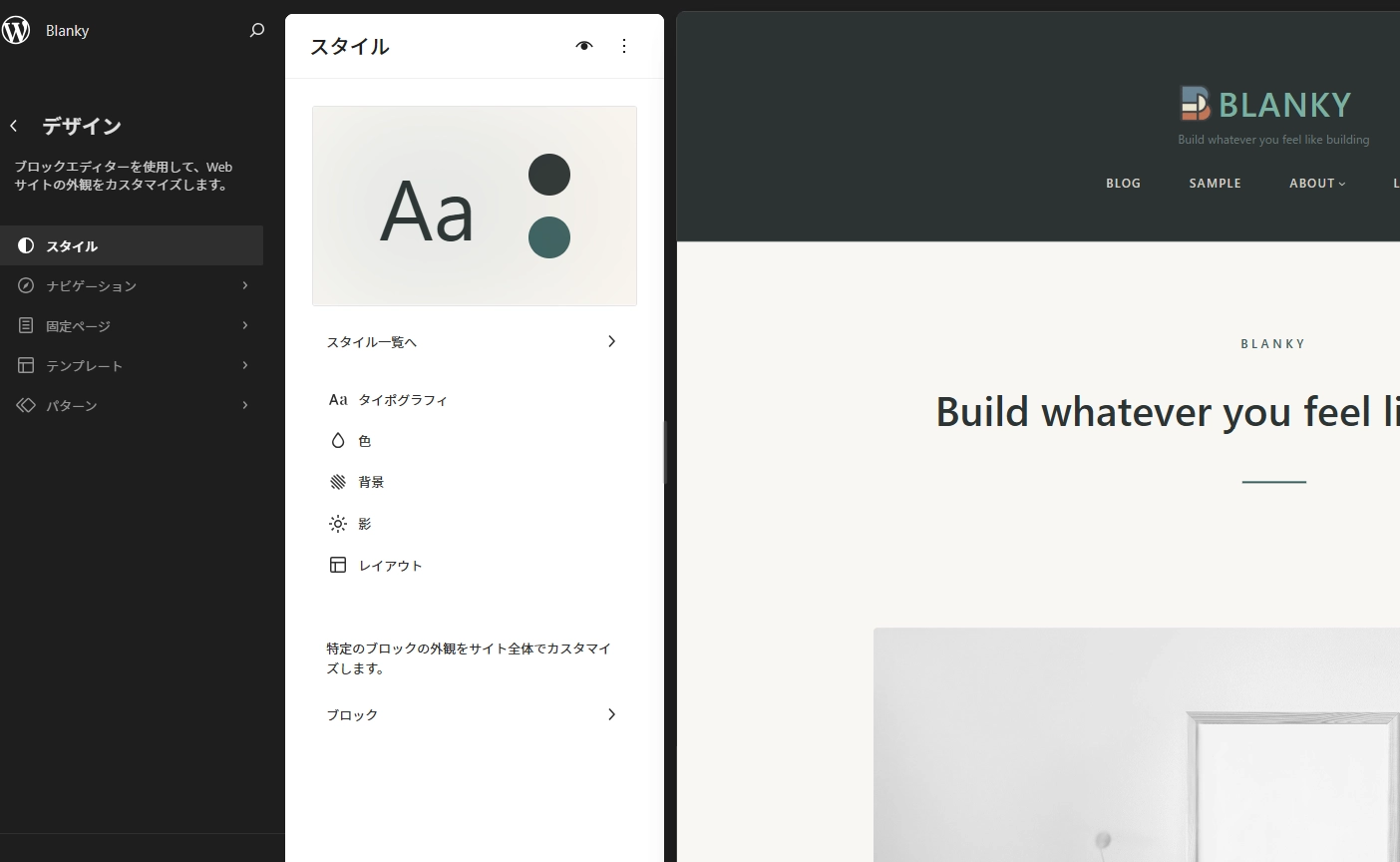
Click Design → Templates
Select templates for headers, sidebars, and footers. You can also edit index and single post templates, or create your own custom templates.
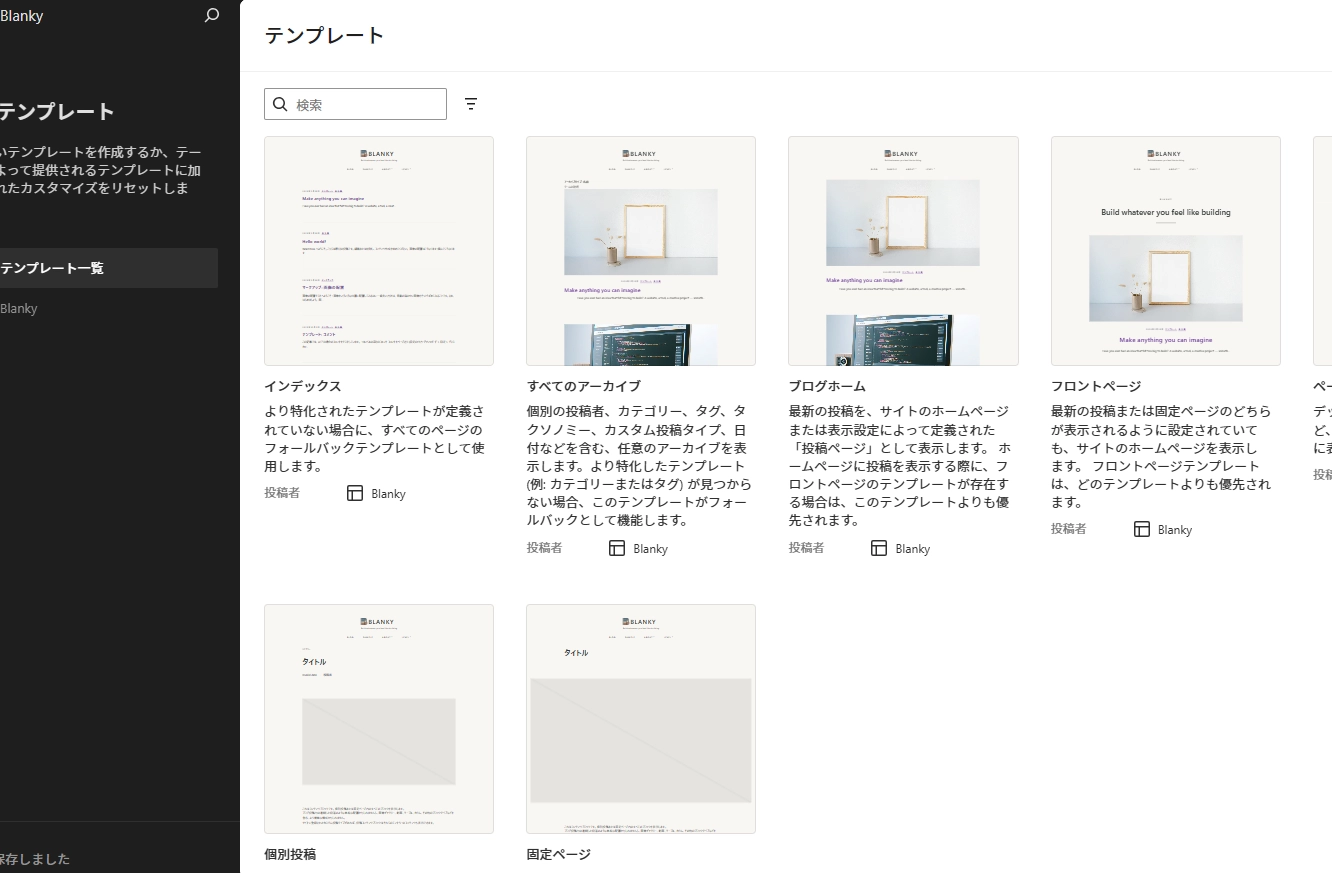
Click Design → Patterns
Select patterns for headers, footers, and sidebars. Each pattern is provided as a customizable block, and you can create your own original patterns.
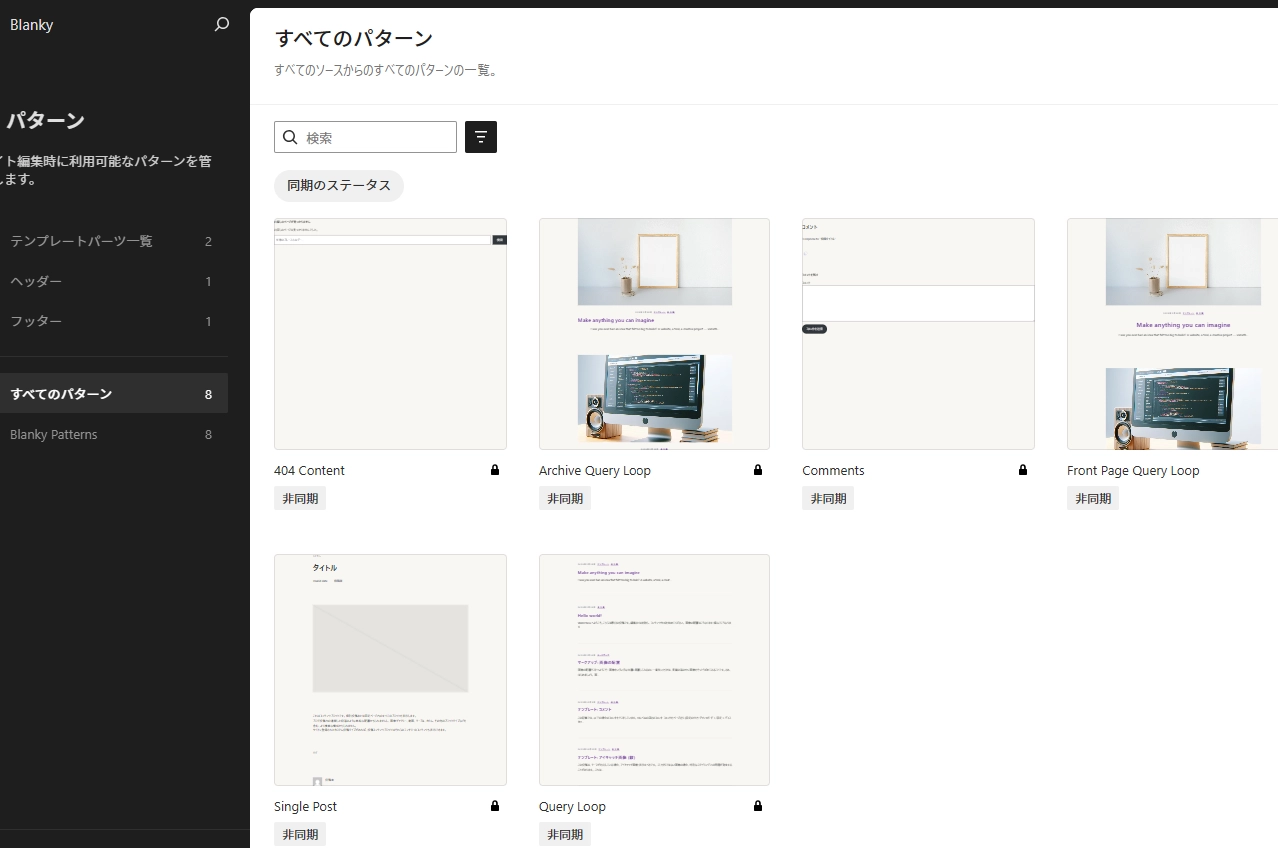
Block Theme Editor Features
Blanky is a block theme (Full Site Editing theme). Unlike traditional themes, you can freely edit the entire site including headers and footers using the editor.
Editable Elements
- · Header design & layout
- · Footer structure & colors
- · Navigation menus
- · Site logo placement & size
- · Overall color scheme
Real-time Editing
- · Drag & drop blocks
- · Preview changes instantly
- · No coding required
- · Adjust mobile view simultaneously
- · Undo & redo support
Difference from Traditional Themes
Traditional themes required editing PHP files, but with block themes you can customize the entire site using just the intuitive visual editor. No programming knowledge needed.
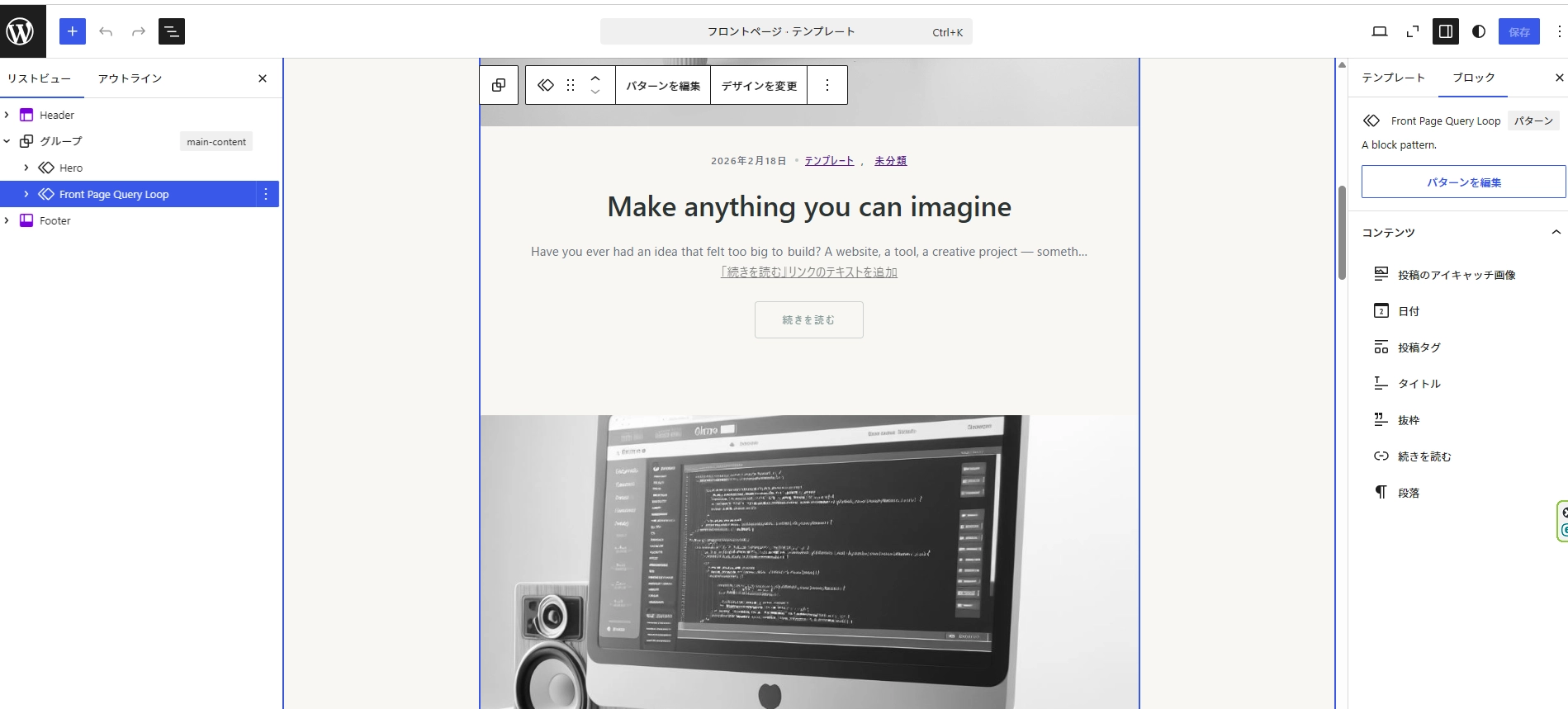
Template Customization
Important Notice
PHP and WordPress knowledge is required. Theme updates will overwrite theme files. To maintain your customizations, it's standard practice to use a child theme.
Create a Directory
Create an empty directory named "blanky-child" in "wp-content" → "themes".
Create Files
Create index.php, style.css, and functions.php as new empty files.
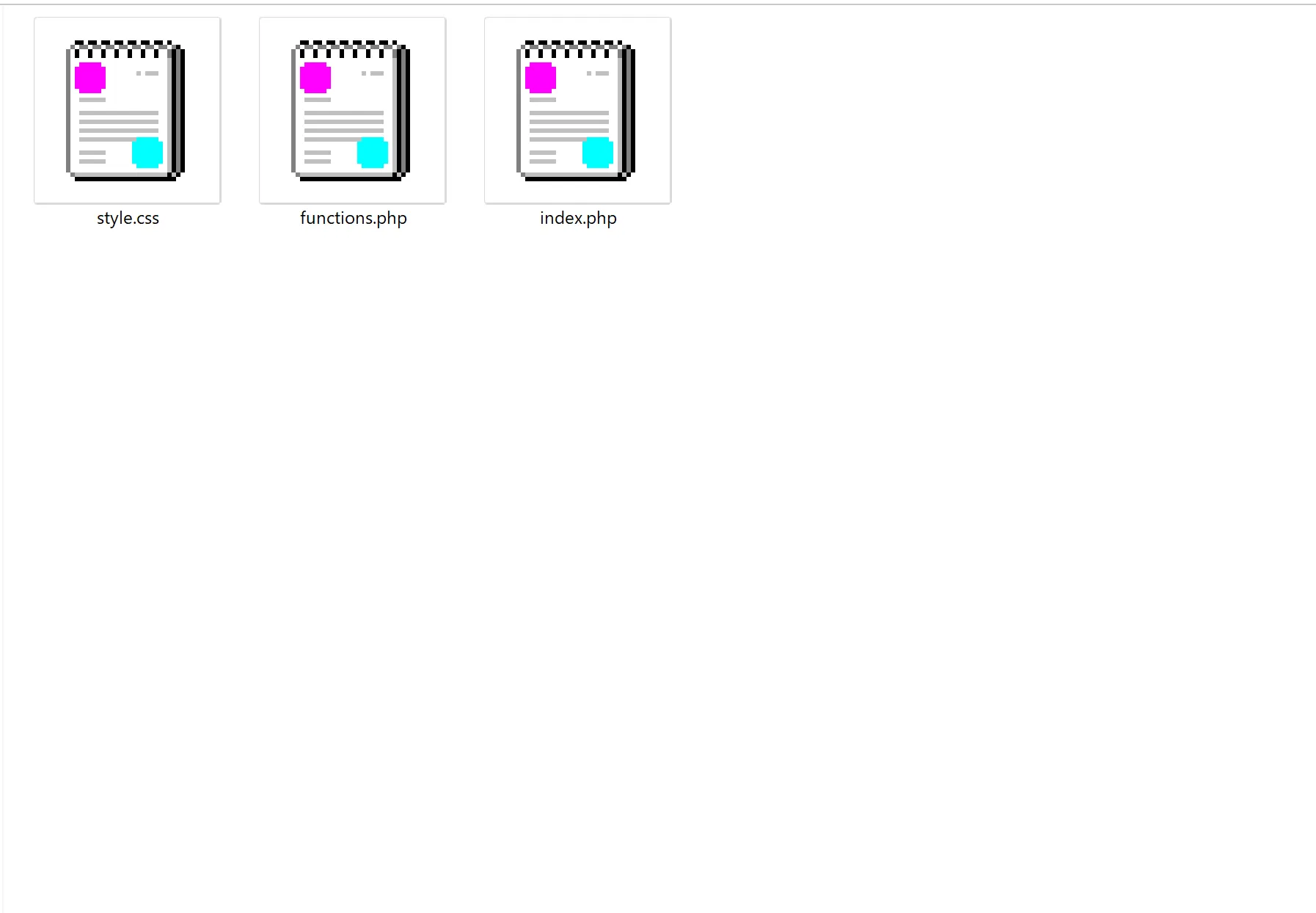
Edit style.css
Add the following code at the top of style.css. This registers it as a child theme.
/**
 * Theme Name: Blanky Child
 * Template: blanky
 * Text Domain: blanky-child
*/Edit functions.php
Add the following code at the top of functions.php.
<?php
function blanky_child_enqueue_scripts() {
    $theme_parent_version = wp_get_theme()->parent()->get('Version');
    $theme_version = wp_get_theme()->get('Version');

    wp_enqueue_style('blanky-original-style',
        get_template_directory_uri() . '/style.css',
        array(), $theme_parent_version);
    wp_enqueue_style('blanky-child-style',
        get_stylesheet_uri(),
        array('blanky-original-style'), $theme_version);
}
add_action('wp_enqueue_scripts', 'blanky_child_enqueue_scripts');
?>Copy Template Files
Copy the template files you want to modify from the parent "blanky" theme (including the templates folder) into "blanky-child". Make your changes in the child theme files. Style and function changes should also be made in the child theme.